Studio : Le Catnip Collective

Platforms : PC

Type : Survival Co-op game

Skills : Gameplay, AI, UI programming, C++, UI and audio design

Time spent on the project : 7 months

Engine and tools : Unreal Engine, Jetbrains Rider Perforce and Figma
My contribution
I’ve had the opportunity to tackle plenty of challenges in this project. I’ve worked on AIs that can climb on a giant and flying AIs, both of them having different behaviours in the way they attack the player. I’ve worked on building a base framework for multiple gameplay mechanics and UI. To finish, I’ve created my own custom Significance Manager.
The Ticks (climbing AIs)

This AI had the most challenge of all my tasks in this project. I needed to make an AI behaviour that needed to climb the Giant, attack the players and later have a phase that would focus on attacking the giant. I first did some research on how the navigation could be done, at first I though I would need to make one from scratch, but it would have been very time consuming. So with the few months I had to have a working prototype, I settled on a plugin I would later modify to fit some project needs.
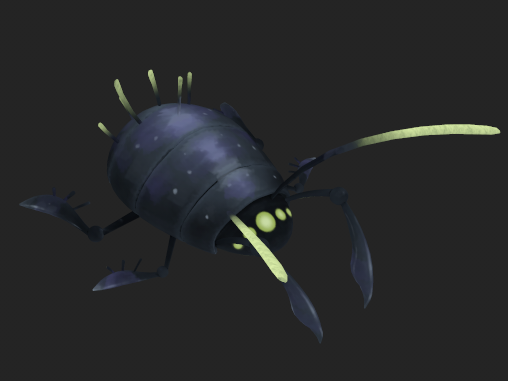
Their behaviour
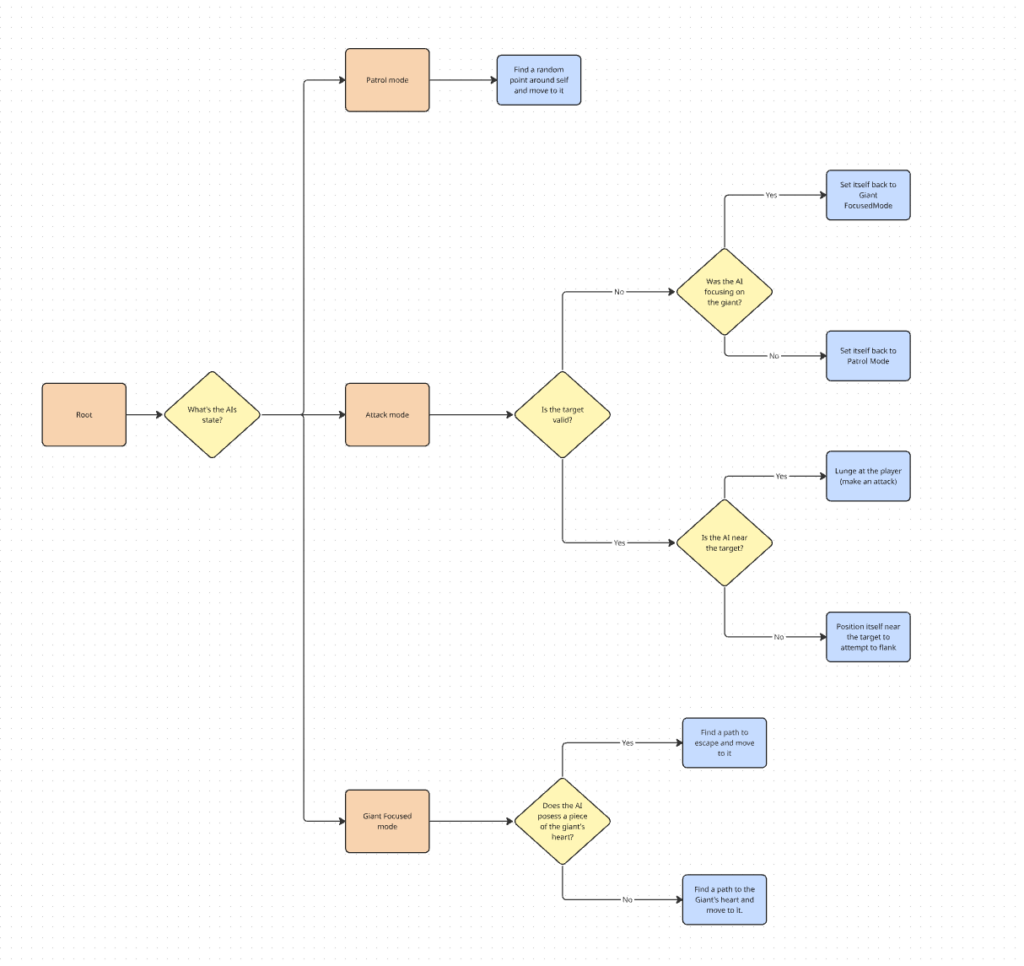
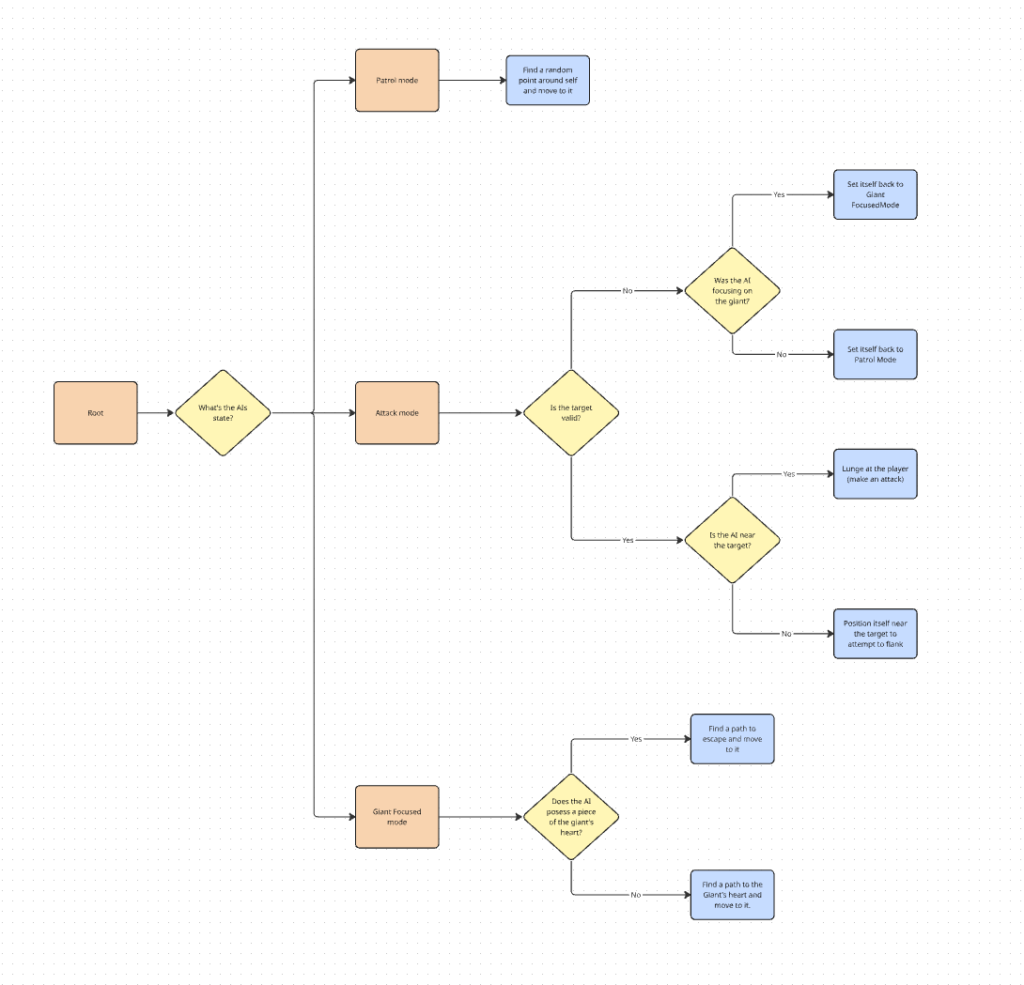
I’ve created a simplified version graph to show the behaviour of the ticks in a nutshell. I’ll explain the details of their behaviour.
While a tick is patrolling, it’s using AIPerception to detect when a player is in it’s sight. I’ve created teams for the players and AIs to be in, so ticks can easily ignore ally AIs and focus on the opposite team, meaning the players.
Once a player is detected, it becomes the target of the tick and changes it’s state to attack. The tick calculates based on where it is from the player, where it should position itself to flank. It also checks if player is near enough to start an attack in case the player themselves moves in their attack range.
When night time comes, a wave of ennemies starts and the ticks are now set in the Giant Focused state. Instead of roaming around, they try to head straight to the giant’s heart location and steal a piece of it, decreasing it’s health slightly.
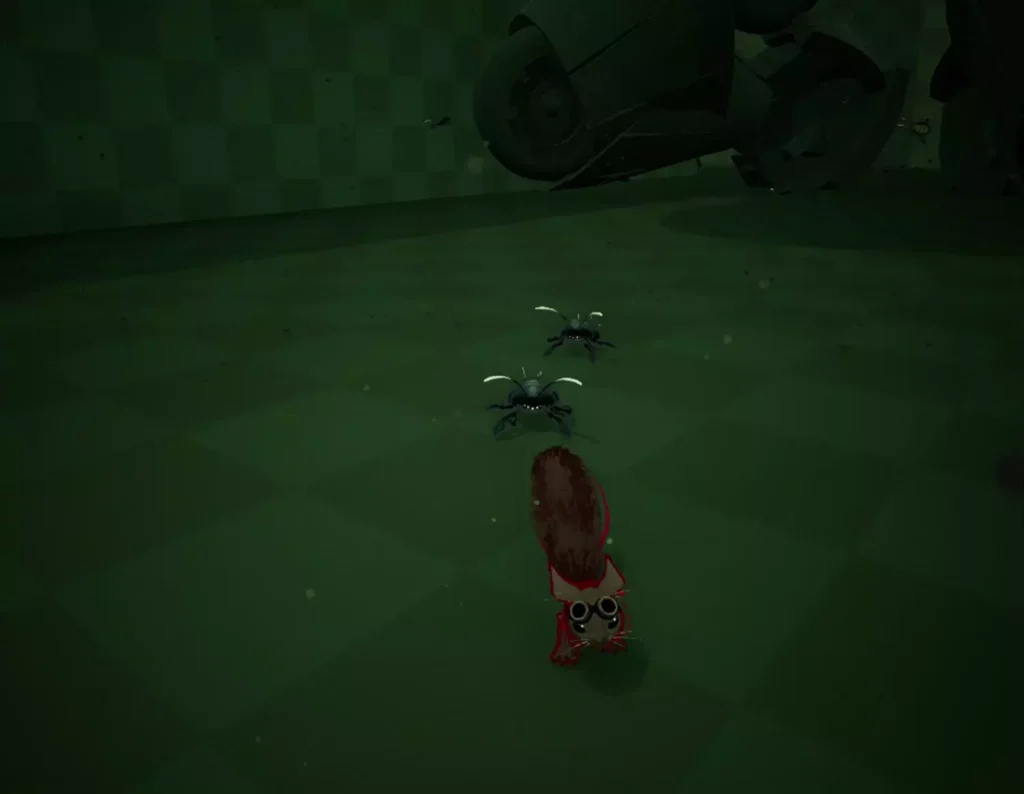
Their navigation
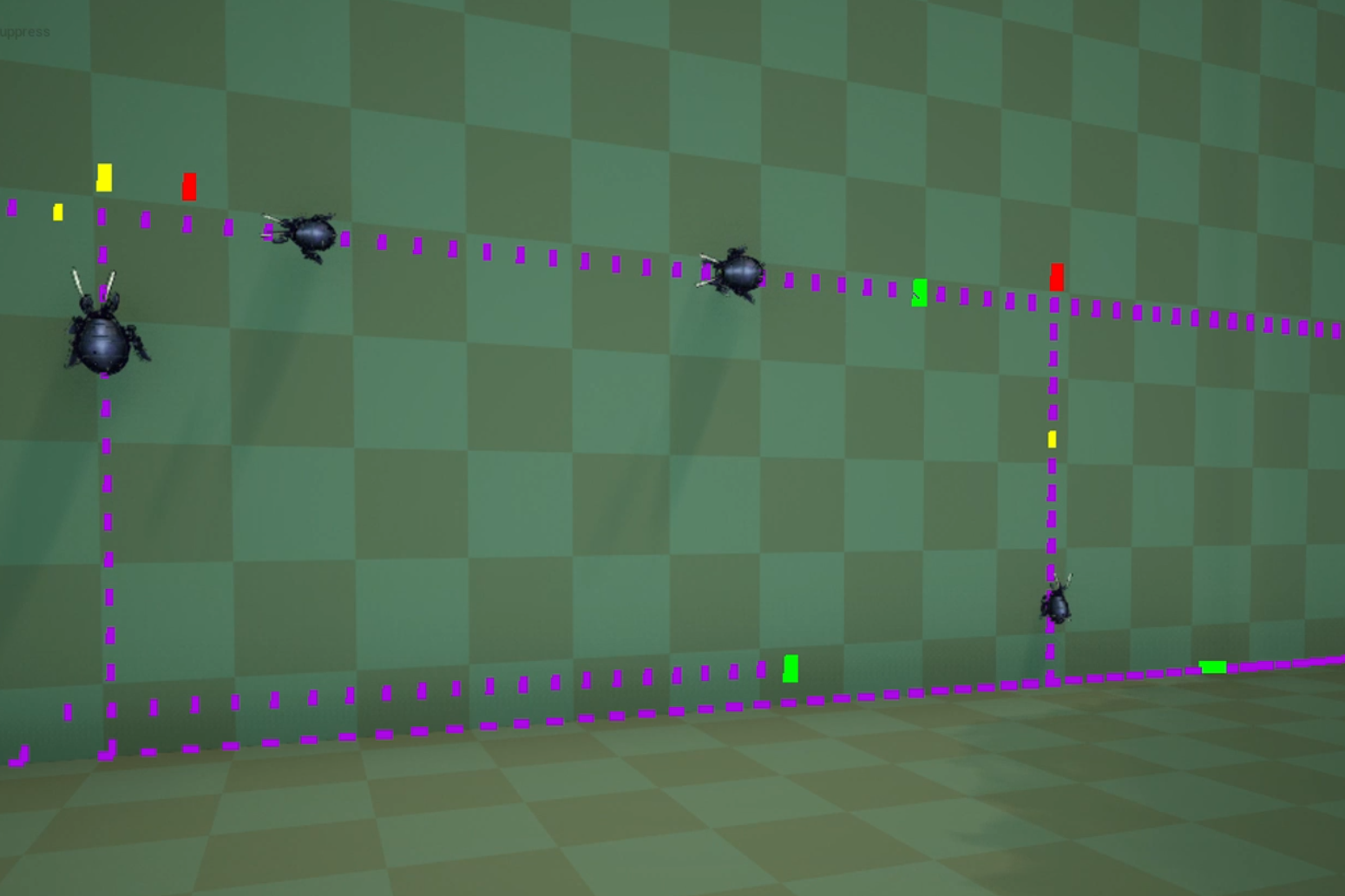
Starting with the Dynamic Surface Navigation plugin, I was able to have the ticks moving around and climbing the environment. My first challenge was to make the ticks jump on the giant and leap across small gaps. The plugin didn’t have the dynamic nav links integrated, so I read Unreal Engine’s Navigation code to understand how their navlinks work.
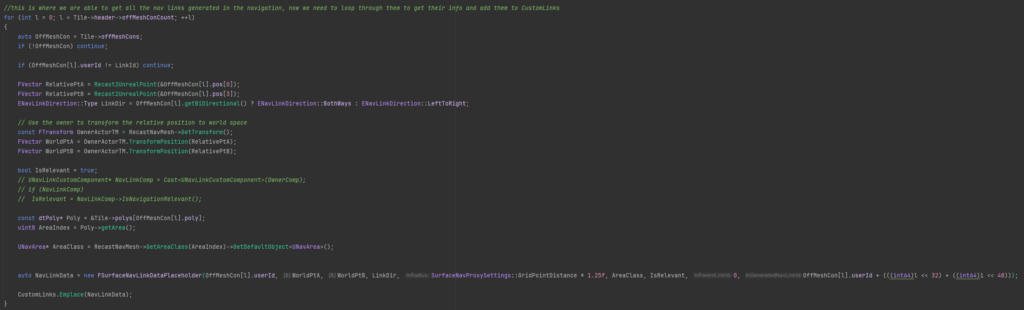
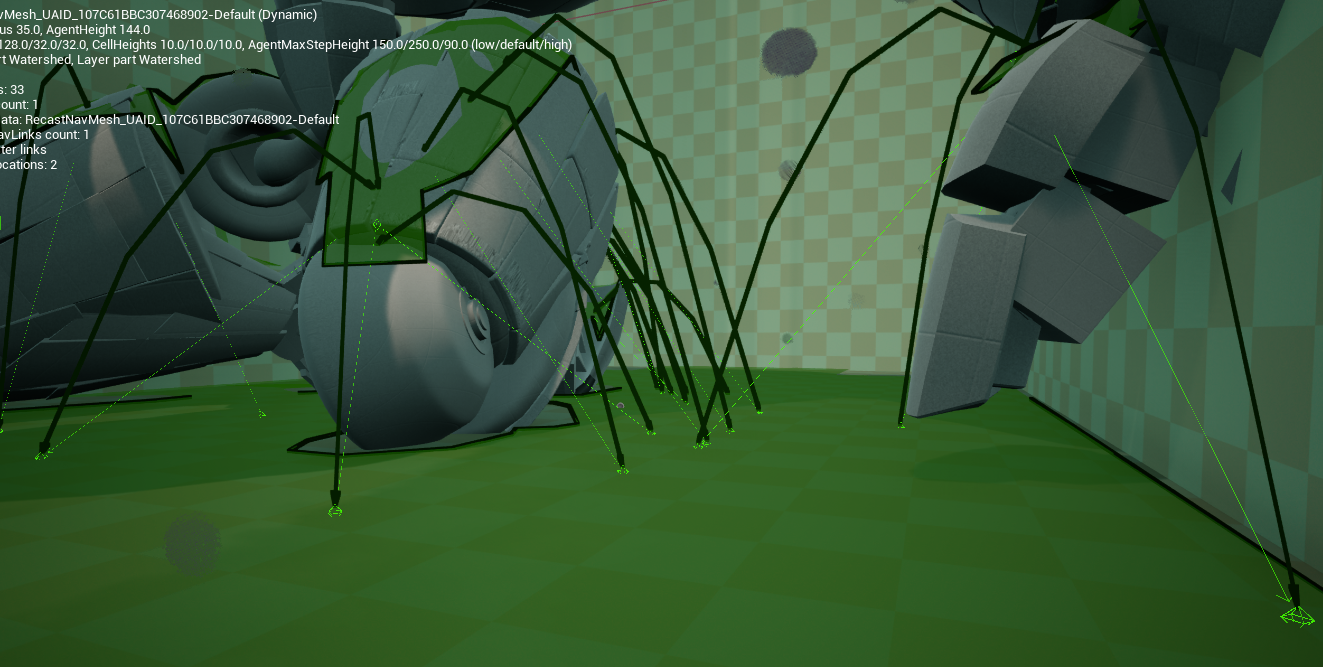
This is part of what I’ve modified in the plugin using what I’ve learned about Unreal’s navigation. In short, I’m using the data from the generated Nav Links so the plugin can then use it when updating their custom links.
The next big challenge was to optimize the navigation. Since the Giant was constantly moving, making multiple different navigations recalculate constantly because of the animations. It took a lot of playing around the navigation settings to have the navigation be the least expensive as possible to recalculate. On top of that, it was decided to only generate the navigation on the giant when the AIs would need to attack the giant.
The Mosquitos (flying AIs)
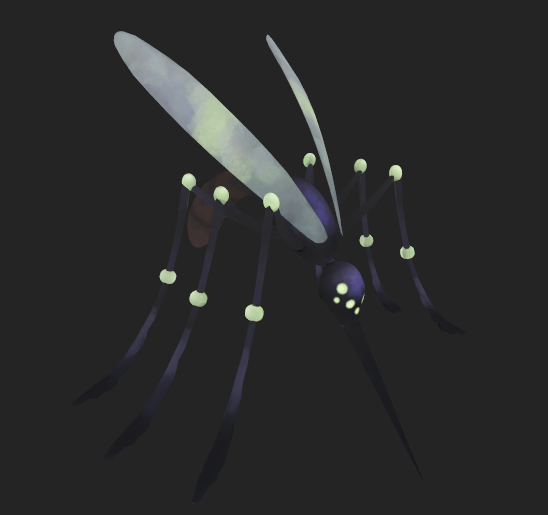
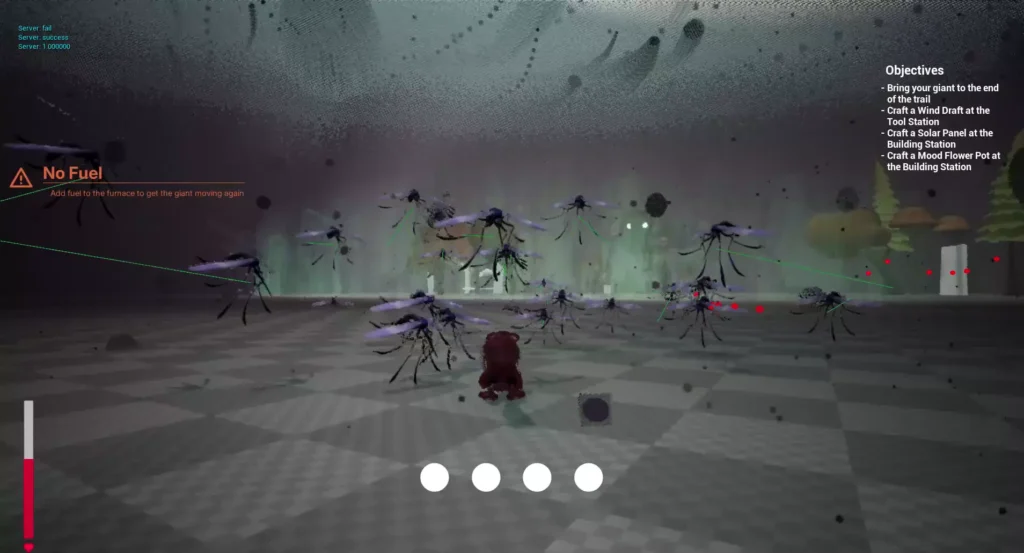
The Mosquitoes served as the flying equivalent of the Ticks. Their role was similar : fly around, attack the players on sight and participate in the nighttime waves that assault the Giant. As with the Ticks, the main challenge was to implement a functional navigation for the prototype.
Their behaviour
Like the tick, there’s a graph simplifying their behaviour. Both of the AIs have the same behaviour, the biggest difference is the way they attack.
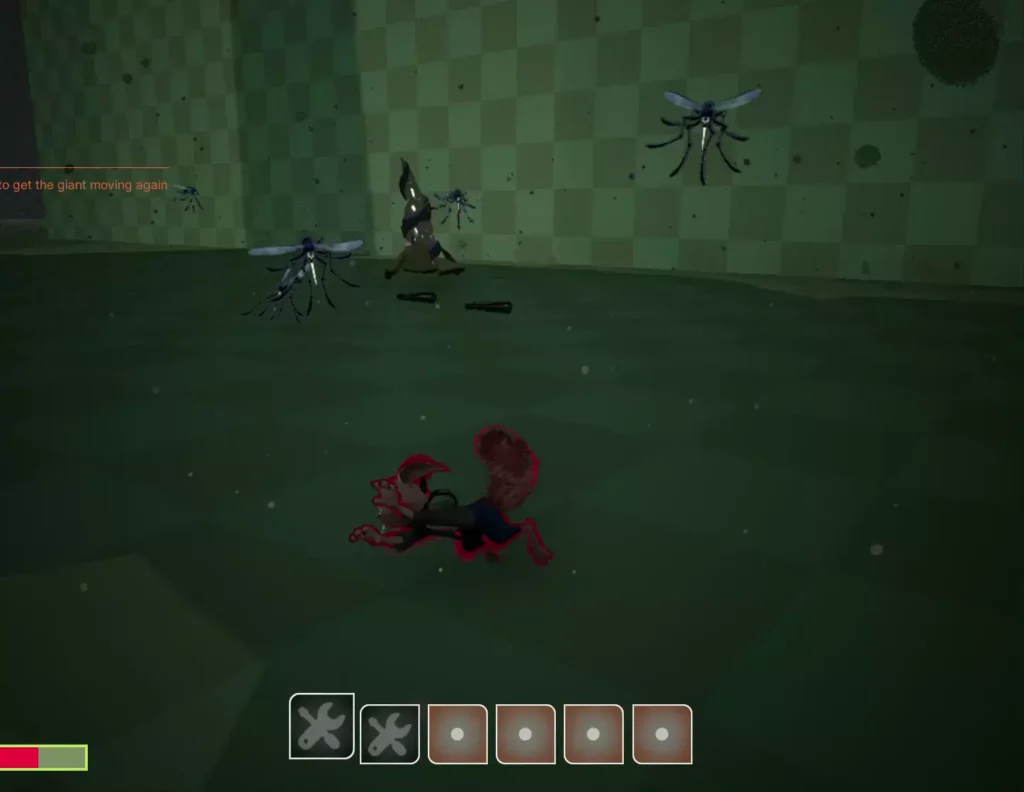
When a mosquito attacks, it tries to keep a distance to the player as to try and not get hit. When it’s safe enough for them to attack, it’s going to lunge itself at the player in a straight line. If the AI hits an obstacle, it’s going to get stunned for a few seconds, leaving a chance for the player to hit it.
Their navigation
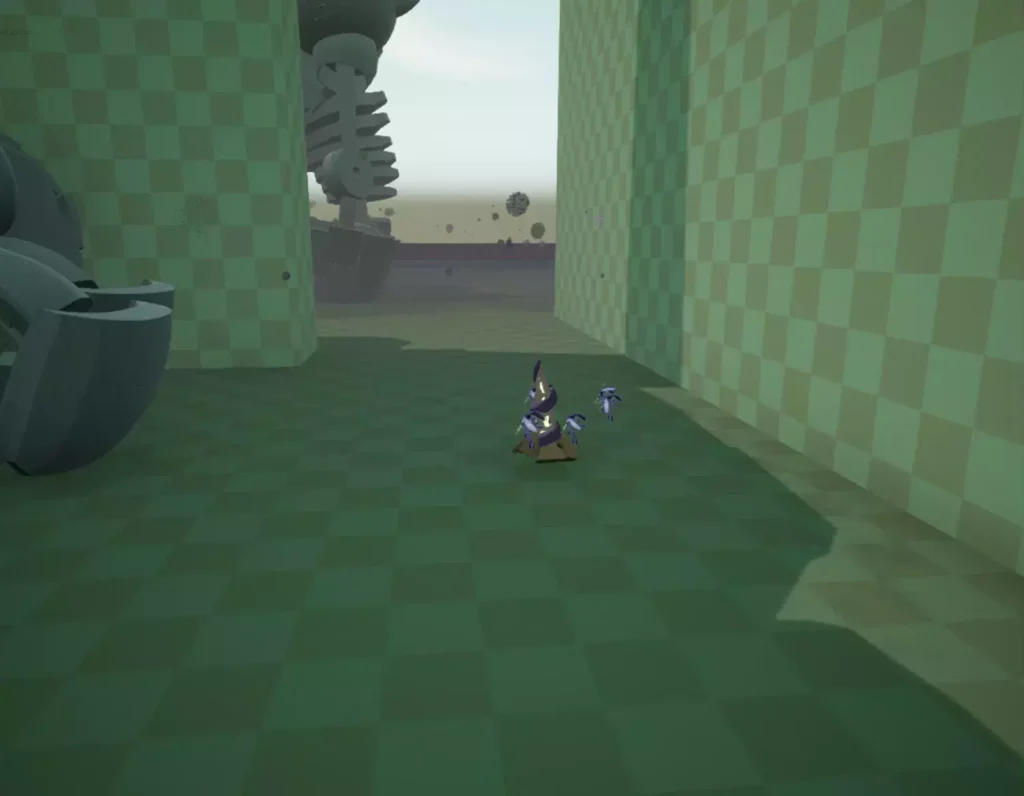
At first for the flying AIs, I would simply add velocity to make them move in the air towards a point. It quickly became obvious that I needed to have a more complex pathfinding system so they can go around obstacles, so I converted an UE4 plugin to UE5.
I also resolved issues related to velocity calculations and deceleration behavior. When the AI approached a target point too quickly, it would overshoot the destination and repeatedly attempt to correct its position, resulting in the agent spinning around the point indefinitely.
UI Design
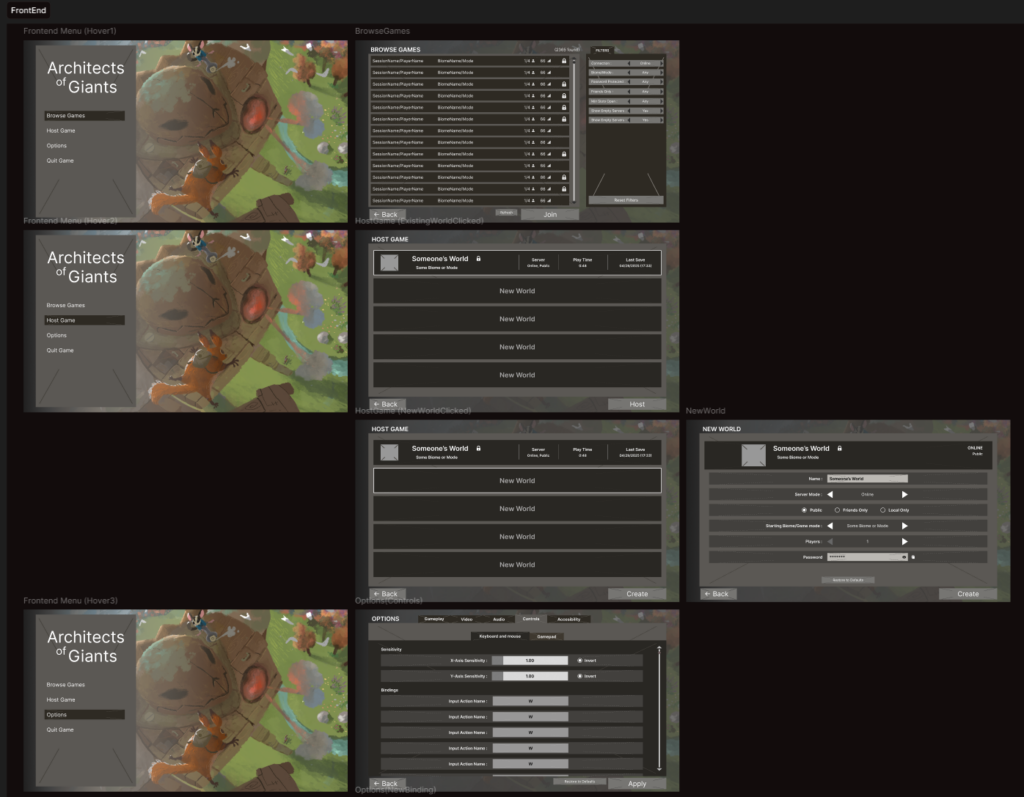
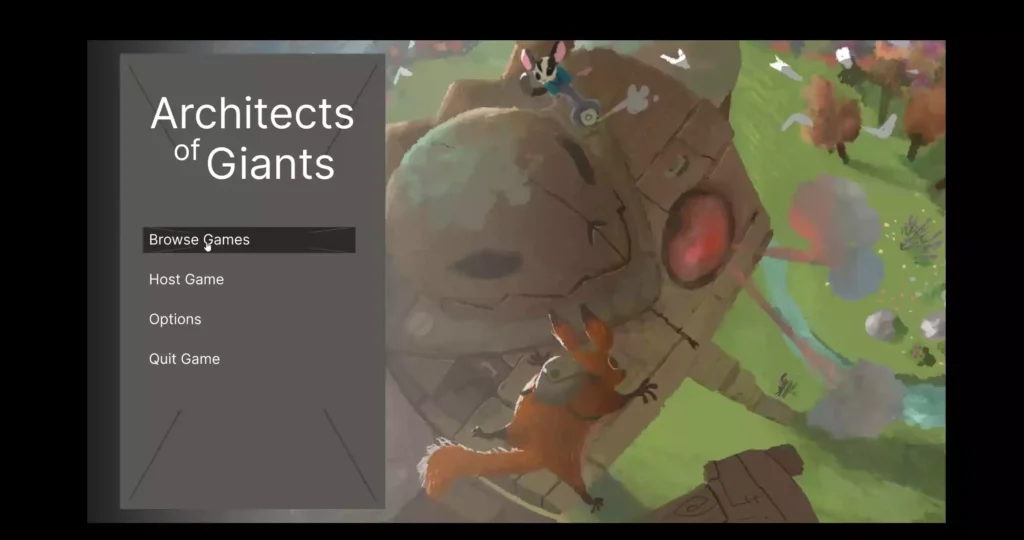
I was responsible for the UI throughout the project, from initial design to final implementation. I first established the UI framework using Lyra, ensuring I had a strong understanding of its architecture so I could efficiently troubleshoot issues and extend the system later, particularly when handling the more complex settings menus.
For the design phase, I used Figma to create mockups and quickly gathered feedback before integrating the interface into the game. The visual design intentionally used simple shapes and colors to clearly indicate placeholder assets, allowing artists to later replace them with finalized visuals.
Sound Design
I was responsible for implementing all sound effects and music in the game, and regularly met with the composer to discuss sound design decisions and review the technical integration of the audio.
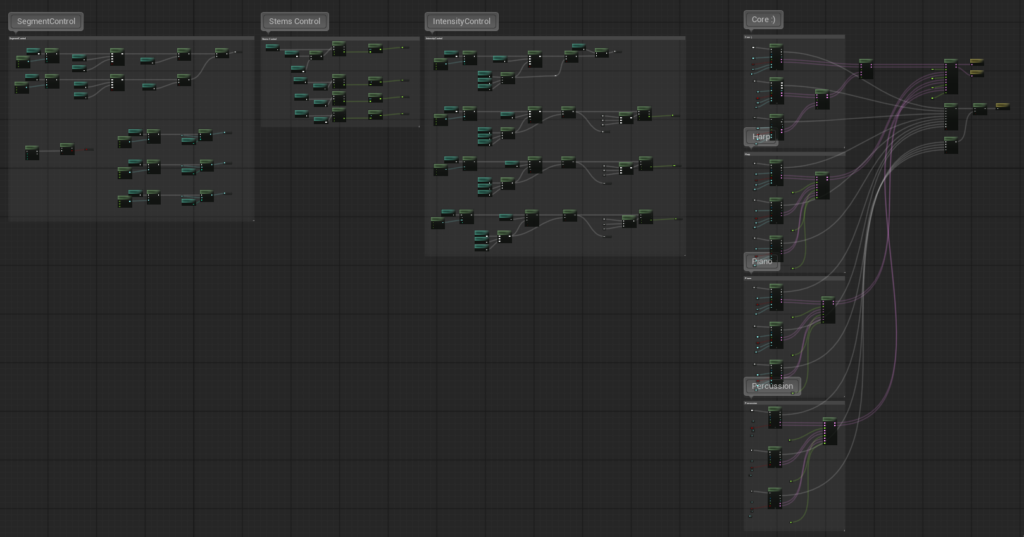
I developed the workflow for the game’s dynamic music system using MetaSounds, collaborating closely with the composer to establish an efficient pipeline that worked for both the technical and creative sides. To support this, I documented the system and provided guidelines on how music layers and sequences should be structured for integration.
The resulting system supports multiple intensity layers and can transition between different musical sequences depending on the region the player is in, allowing the soundtrack to dynamically adapt to gameplay.
Significance Manager
I customized a Significance Manager to optimize runtime performance and created a system that allows developers to easily configure optimization settings based on Significance Tags.
I initially focused on optimizing AI skeletal meshes, as this provided a clear and visual way to validate that the system behaved correctly at different significance levels. A key goal was to ensure that adjusting optimization settings would remain simple and intuitive for designers and other team members.
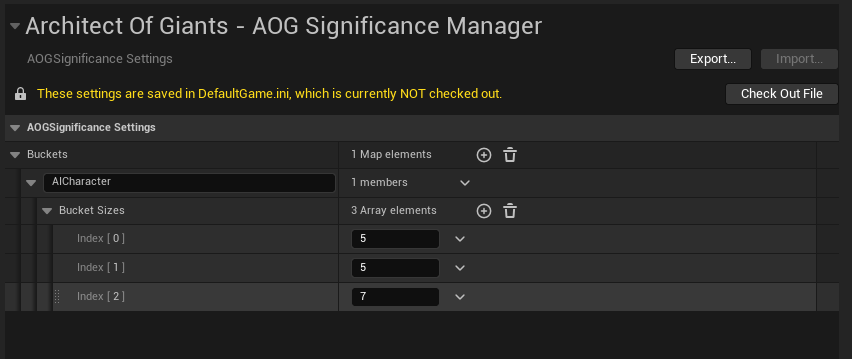
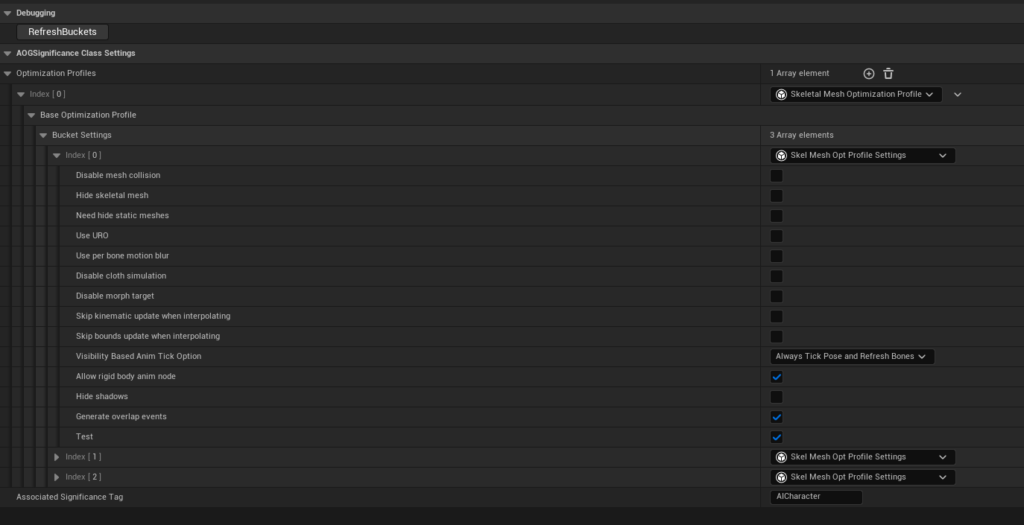
The system allows buckets to be added or modified directly through the Project Settings. Once a data asset is created for a specific Significance Tag, developers can select which components to optimize, such as skeletal meshes, and automatically receive a list of configurable settings corresponding to each significance bucket. This approach made it straightforward to tune performance while maintaining flexibility across different gameplay systems.